Crash Engine’s Crash Physics is a soft-body destruction system rather than a simple health bar. When a car hits a wall, ramp, placed object, or another vehicle, the body can bend at the impact area, glass can break, and parts can tear away. A sufficiently severe collision can leave the car unable to drive or make it fall apart. The useful way to read a crash is to compare the conditions that produced it: impact location, speed, mass, angle, target, and landing.
See Crash Engine's soft-body car destruction
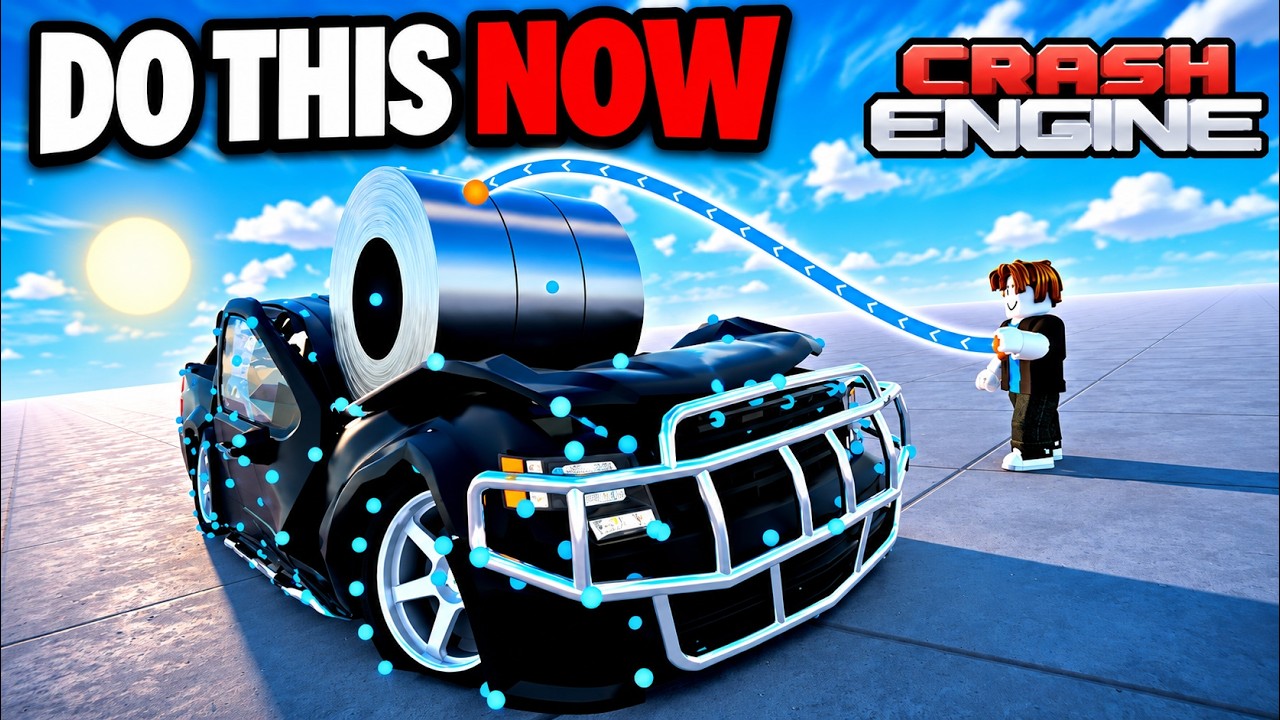
This moment supports the overview of Crash Engine's soft-body physics, including localized bending, breakage, and parts falling away after impacts.
What Crash Physics changes on a car
The damage is localized to where the force is applied. A front-end hit can deform the nose, while a side impact can fold the side of the body; the result is not presented as one universal damage number. Breaking glass, detached parts, and audible crash effects are also part of the system. Treat each visible change as feedback about the collision you just created, not as proof of a fixed threshold.
| Crash result | What you can observe | What to compare |
|---|---|---|
| Body deformation | Metal bends or the car’s shape changes near the hit | Impact point, speed, and approach angle |
| Glass breakage | Windows or other glass surfaces break during a hard impact | Which side received the force and how directly |
| Parts tearing off | Vehicle pieces detach from the body | Object struck, collision direction, and severity |
| Loss of control | The car no longer handles or continues normally | Damage location, spin, landing, and vehicle handling |
| Vehicle destruction | Severe damage leaves the vehicle broken apart or unusable | Combined speed, mass, angle, and repeated impacts |
There is no supported public damage meter, durability table, collision multiplier, or break-point list for Crash Engine. Two crashes that look similar can therefore end differently. Use the visible deformation and the car’s behavior as your comparison, and avoid treating a single experiment as a universal rule for every vehicle.
The variables behind a crash
Speed is one important input, but it is not the only one. A faster vehicle can produce a more dramatic result, yet a slower collision with a heavy moving object or a bad landing can also create substantial damage. The car’s own weight, engine, drive type, and handling affect how it accelerates, stays stable, and meets the target. The game presents cars as having individual weight and handling, so compare tests with the same car when you want a cleaner result.
The contact angle changes how force is distributed. A square hit concentrates the collision into the front or rear, while a glancing hit can rotate the car and move the force along its side. A ramp adds another variable: the car may leave the ground, rotate, and land on a vulnerable area. In one documented experiment, driving onto a ramp caused damage after a relatively small impact, which is why launch and landing should be assessed separately from speed.
The target also matters. A fixed wall, another car, a bowling ball, a crash dummy, and a placed ramp create different setups. A bowling ball under or near a car produced little visible damage in a lighter-impact test; that result does not mean the object is harmless in every arrangement. Its effect depends on where it meets the car and how much speed and weight are involved.
Compare Crash Engine crash-test objects and landings
These moments support the section's comparisons of weight, placed targets, and ramp landings, showing how each setup changes the observed crash result.

For a useful comparison, change one condition at a time:
- Keep the same car and target.
- Repeat the approach at a different speed.
- Repeat at a different angle.
- Move the target to another contact point.
- Repair or respawn before the next run.
This method makes the result easier to interpret than changing the car, obstacle, camera, and speed simultaneously.
Tools for controlled crash experiments
The following systems help you create, position, or inspect a collision. They are complementary: one tool changes the setup, another changes the observation, and recovery tools let you run the next test.
| Tool or object | Role in a crash test | How to use it |
|---|---|---|
| Grab Mode | Moves cars and objects | Use the Grab control to pick up, carry, or throw a vehicle or other object |
| Speed Pad | Adds speed to a route | Place it on the vehicle’s path before a target |
| Ramp | Changes height and impact angle | Drive over it to test jumps, rotations, and landings |
| Bowling Ball | Acts as a movable weight | Place it below or near the car and compare the contact |
| Crash Dummy | Provides a placed target | Use it as a character-shaped object to test a hit |
| Camera | Changes the observation angle | Use an outside view for body deformation and first person for driving |
| Repair or Respawn | Resets the test vehicle | Use the available recovery action after damage or disappearance |
| Rewind or Playback | Repeats a recorded collision | Record and replay a setup when you need to compare the same motion |
Grab Mode is especially useful when ordinary driving cannot place a car or obstacle exactly where you want it. Carrying or throwing a vehicle can create a repeatable starting position, but a thrown car is not the same experiment as a controlled drive: the release position, rotation, and contact point can vary. Use it for setup and spectacle, then use normal driving when you want to compare speed or steering.
Build objects are most useful when they isolate one factor. A Speed Pad can increase the approach speed before an obstacle. A Ramp can convert forward motion into a jump or a changed landing angle. A Bowling Ball gives you a movable mass whose location can be adjusted. Prices and a complete catalog of build items can change, so use the current build interface for what is available and what each item costs.
A Crash Dummy is a target for observing vehicle-versus-character-shaped-object physics. Access may depend on joining the related group, and the complete unlock procedure is not clear here. If it is unavailable, do not treat that as a bug in the crash system; check the in-game requirement first.
A reliable way to compare impacts
Start with the starter car in an open test area and choose one target. Drive into it at a moderate speed, then use an outside camera to inspect the front, sides, glass, and detached parts. The outside view is better for seeing the whole deformation. Switch to first person when the question is about the driving approach or the instant of contact.
After the first run, recover the car before changing the setup. R is associated with repair or returning the vehicle, but the exact behavior can vary with the damage state and should be confirmed against the current in-game control prompt. If repair does not restore a usable test, respawn the car and rebuild the same arrangement.
For a controlled series, use this order:
- Baseline: drive the same car into the same target without a placed accelerator or ramp.
- Speed comparison: add a Speed Pad or alter the approach while keeping the target and angle as similar as possible.
- Angle comparison: use a Ramp or change the approach direction, then inspect whether the landing or side contact causes the larger change.
- Mass comparison: introduce a Bowling Ball or another available object, and record whether it moves, deflects, or causes visible damage.
- Target comparison: replace the target with a Crash Dummy or another vehicle without changing the approach more than necessary.
The important checkpoint is the condition of the car after it stops moving: note deformation, broken glass, missing parts, and whether it still drives. If the car only spins or slides, that is a handling outcome as well as a crash outcome; do not call it total destruction unless the vehicle is visibly unusable or broken apart.
Money, tasks, and multiplayer tests
Crash experiments can connect to the wider game systems. Collisions can award Money, and a more forceful impact may produce a larger reward. Tasks can ask for impacts, specific vehicle damage, or destroyed parts. These are useful reasons to vary your experiments, but there is no fixed payout formula to rely on. Check the current reward display rather than planning around a guaranteed amount.
Tasks are also a practical way to give a test a defined success condition. If a task names an object, damage type, or part, use that exact target and verify completion in the task interface. A dramatic crash is not automatically the same as completing a task: the requested object or damage state must be the one the task recognizes.
Other players and their vehicles can share a scene, allowing vehicle-to-vehicle collisions. Multiplayer adds another uncontrolled variable because the other car may move, turn, or arrive at a different angle. For repeatable comparisons, a private server or a coordinated partner is more suitable than an unplanned public collision. Treat another player’s car as an active target, not a fixed wall.
Recovery and limits to keep in mind
Repair or respawn is the normal boundary between tests. Rebuild the setup after a vehicle disappears, and check the control prompt before relying on R. Rewind and Playback can help repeat a recorded motion, but the replay combination used for money-making can be faulty. It should not be treated as a dependable farming method or as proof that every recorded crash will reproduce exactly.
The public information does not establish exact camera key bindings, every destructible part, vehicle-by-vehicle durability, item prices, or numeric damage thresholds. Crash Engine is best approached as an experiment: hold the car and target constant, change one physical condition, and judge the result from the visible deformation and driving state. That keeps the system’s strongest feature—localized, physical destruction—useful without turning an observed result into an unsupported guarantee.
First-time Crash Engine crash questions
Does a faster crash always destroy the car?
No. Speed can increase the severity of an impact, but weight, contact angle, target, and landing also affect the result. Compare those conditions instead of treating speed as a guaranteed destruction threshold.
What should I do when a damaged car cannot continue?
Use the available repair or respawn action, then confirm the current control prompt before the next test. R is associated with repair or returning the vehicle, but the exact behavior can depend on the car’s state.
Why did a bowling ball cause little damage?
A light or poorly positioned contact may not transfer enough force to damage the car visibly. Move the object or change its speed and contact point before deciding how effective it is.
Can I use a ramp to test crash damage?
Yes. A ramp changes the car’s height, rotation, and landing angle, so it is useful for testing impacts that a flat wall cannot reproduce. Inspect the landing separately from the initial launch.